Check Which HTML Block Corresponds to Which Element with F12
debug
ungoogled-chromium
diary
Problem
I was working on my Stylus user-styles when I wanted to check a specific element’s corresponding HTML block.
Solution with Chrome F12
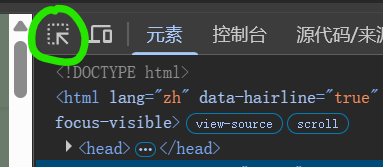
In the F12 page, click this button shown in Figure 1 (or press Ctrl + Shift + C).
Then click the elements you want to know.